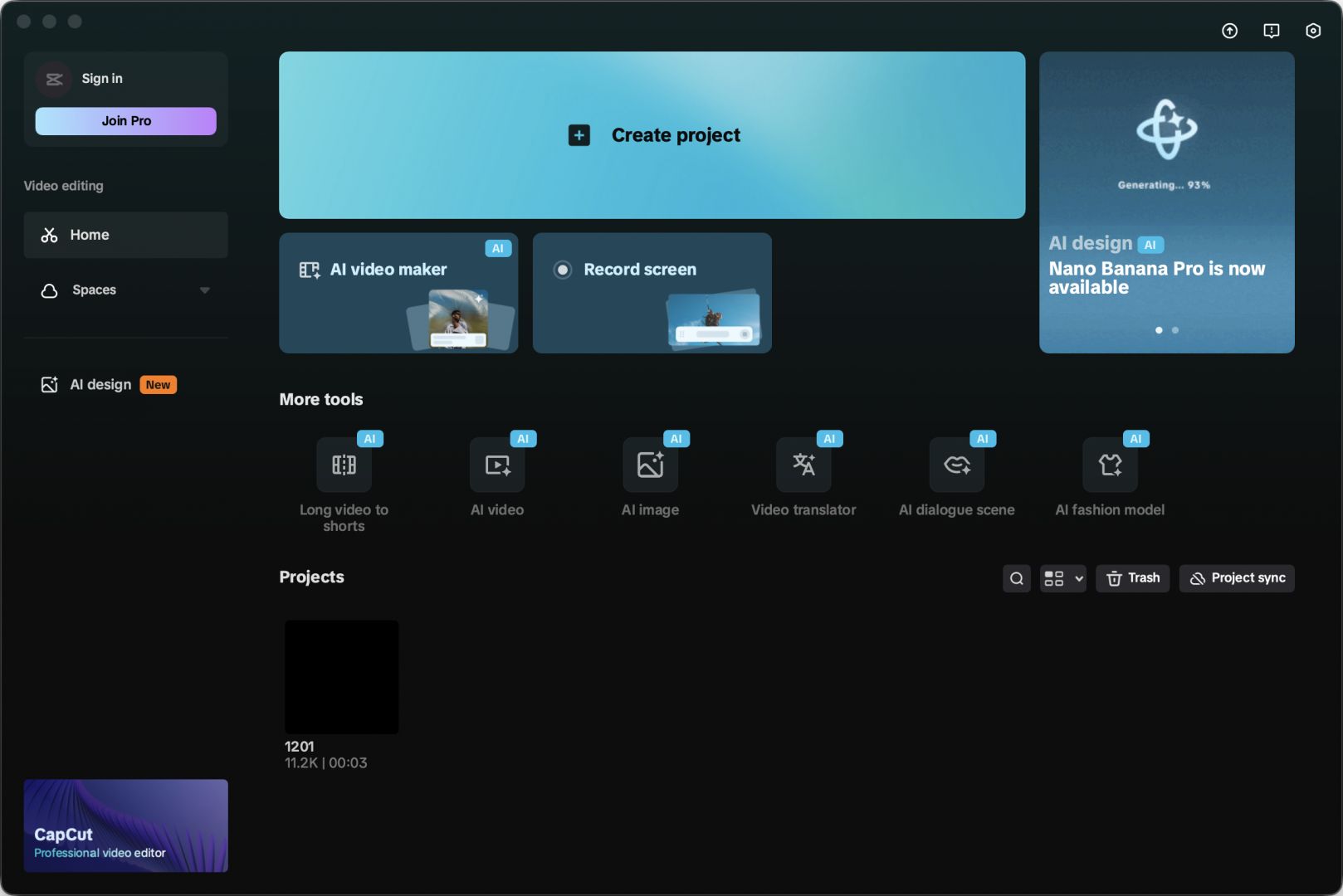
Over the last 2-3 years, CapCut has quickly become a household name when it comes to video editing applications. Whether it is for Mac, Windows, iOS, or Android, CapCut has really nailed it by providing accessible video editing solutions to the masses. The Mac version continues the reputation the application has created, with a polished and intuitive interface. It is designed for content creators, marketers, and casual editors.
The Mac application matches the level of efficiency that Apple offers in its OS. You can create professional-quality videos quickly and effectively. The platform balances simplicity with functionality. Beginners can jump in with drag-and-drop ease, while advanced users can take advantage of precise controls, timeline editing, and keyframe animations.
Multi-layered, professional-grade video editing
CapCut allows you to edit multiple layers of video, audio, and effects while keeping a relatively simple, uncluttered layout. It is ideal for people who are looking for fast-paced video editing with lots of transitions and effects, including short-form content.
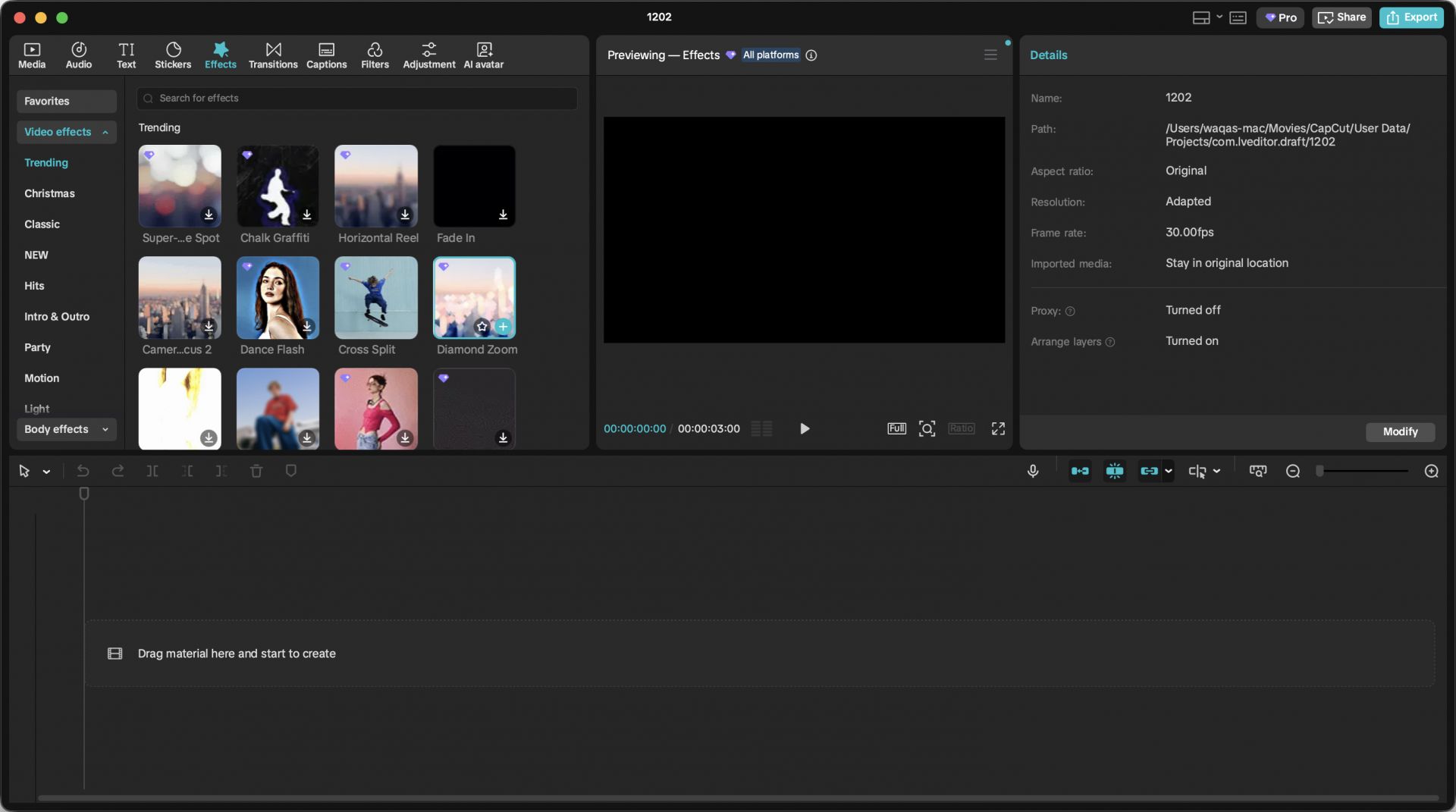
If you are looking for a professional-grade video editor, the creative toolset matters a lot. Today, everyone wants to use the latest effects, transitions, filters, etc. This app brings the latest and greatest in a very easy-to-use package.
The app also includes advanced features like green screen/chroma key, speed ramping, audio mixing, and auto-captioning, all within a lightweight Mac application. The Mac version is optimized for smooth playback and editing, even with high-resolution files, making the experience responsive and enjoyable.Flexible editing and AI
Where this app excels is in flexibility without overwhelming complexity. Users can arrange multiple video and audio tracks, add effects or filters, and adjust parameters like opacity, speed, and color grading. The app also offers pre-made templates for social media content, helping beginners produce high-quality videos quickly. This is one of its standout features.
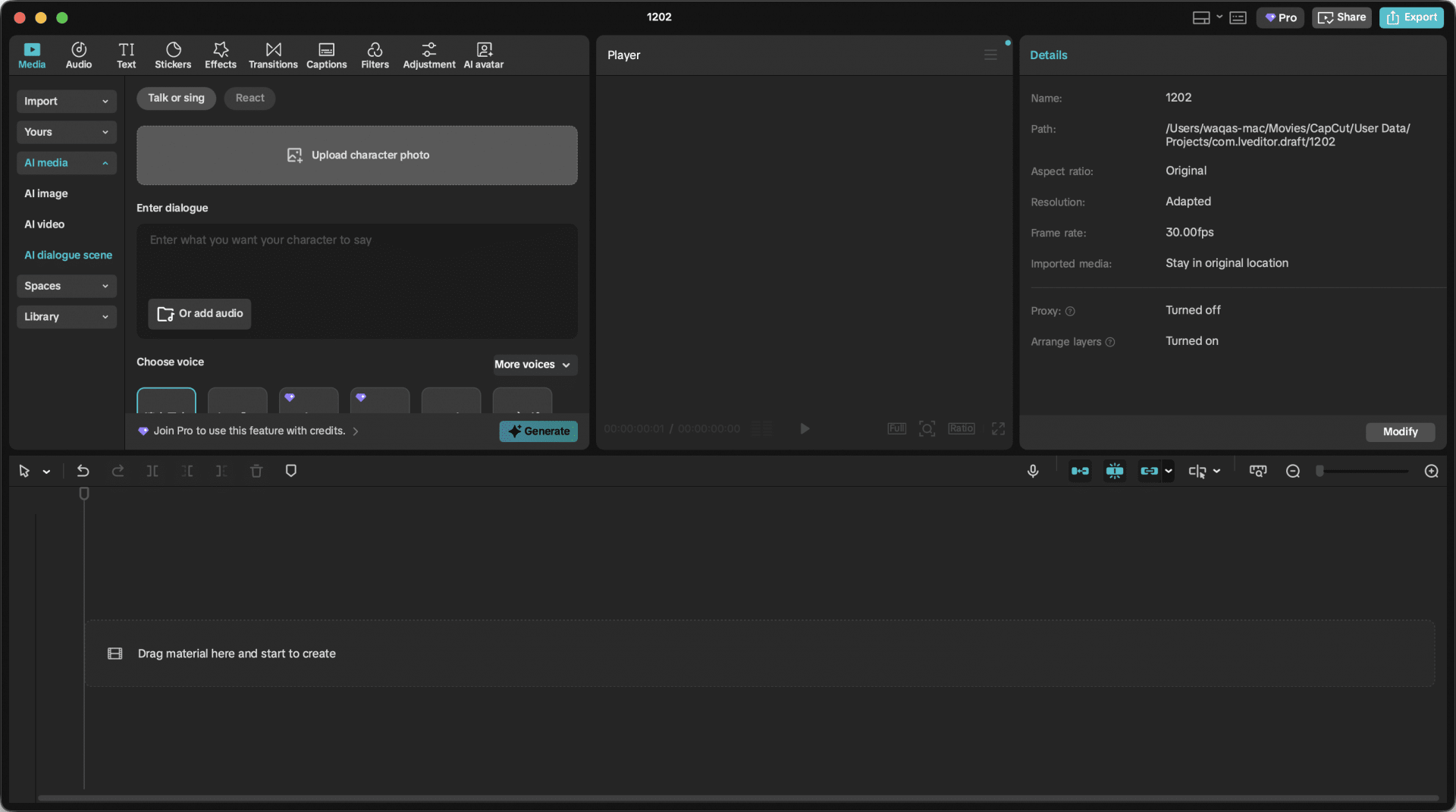
The timeline editor is intuitive, and keyframe animation allows precise control over motion, transitions, and effects. CapCut also supports multi-format exports, so your projects can be optimized for Instagram, TikTok, YouTube, or professional platforms. The app also has built-in AI capabilities, which can handle tasks ranging from generating voiceovers to creating photos/videos.Audio and media integration
CapCut offers extensive audio features, including sound effects, voiceovers, and background music. It provides a library of royalty-free tracks, while also allowing users to import their own music or audio clips. The auto-caption feature is a notable addition, especially for creators targeting social media platforms that emphasize accessibility and engagement.
You can also edit audio and vocals using various filters and adjustments, including noise cancellation.Price
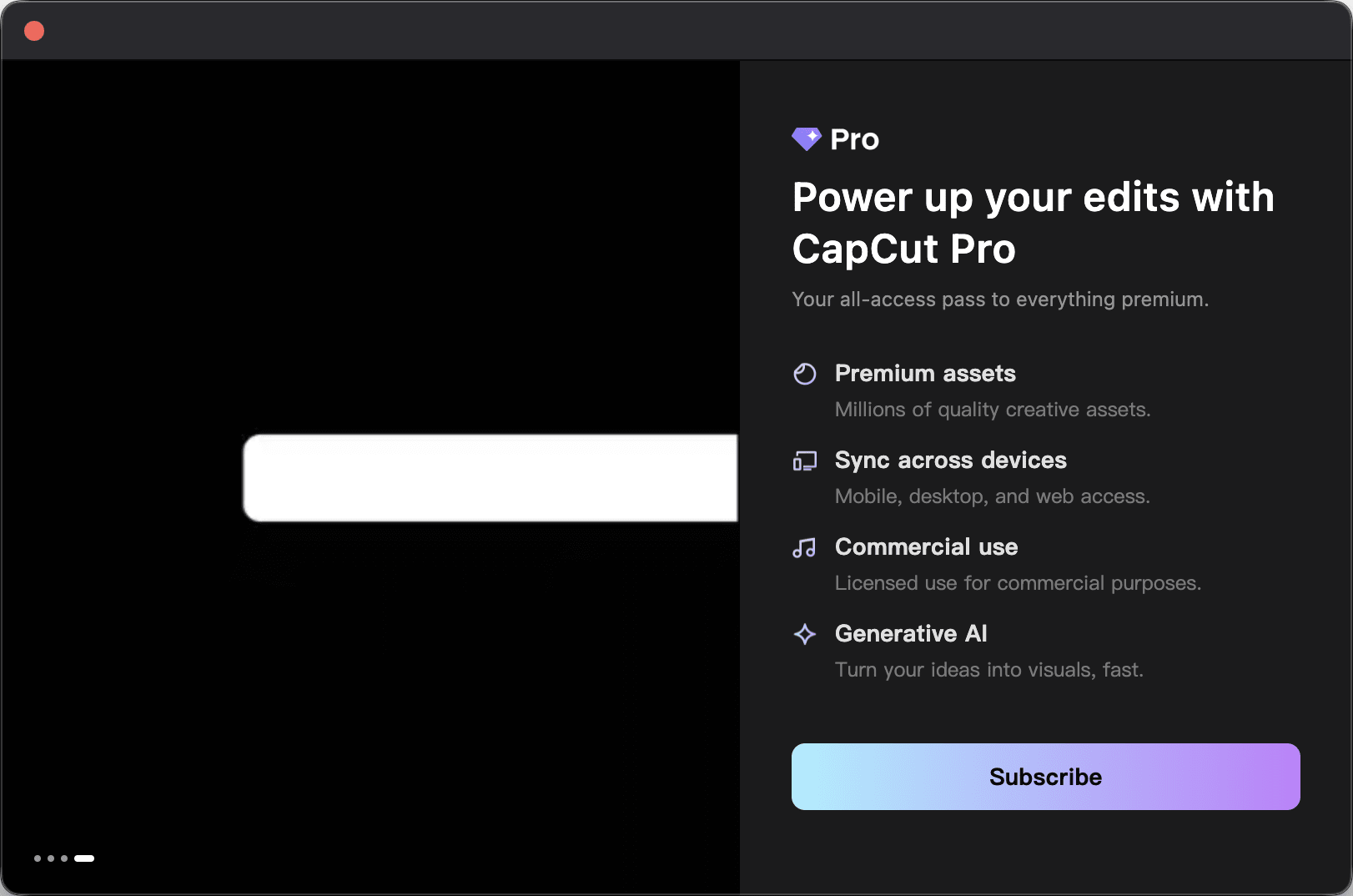
CapCut operates on a freemium model. While CapCut for Mac is free to download and use, there are a few limitations in the free version, such as export quality limits (capped at 1080p), restricted access to premium library content, and more.
The subscription-based license for the paid tiers unlocks capabilities like 4K export, but the final cost varies based on the tier chosen, region, and any ongoing discounts or promotions.A powerful and accessible video editor
CapCut for Mac offers an excellent balance between ease of use and professional-level editing. Whether you are an absolute beginner or a seasoned editor, this app will not be difficult for you to learn and start editing immediately.